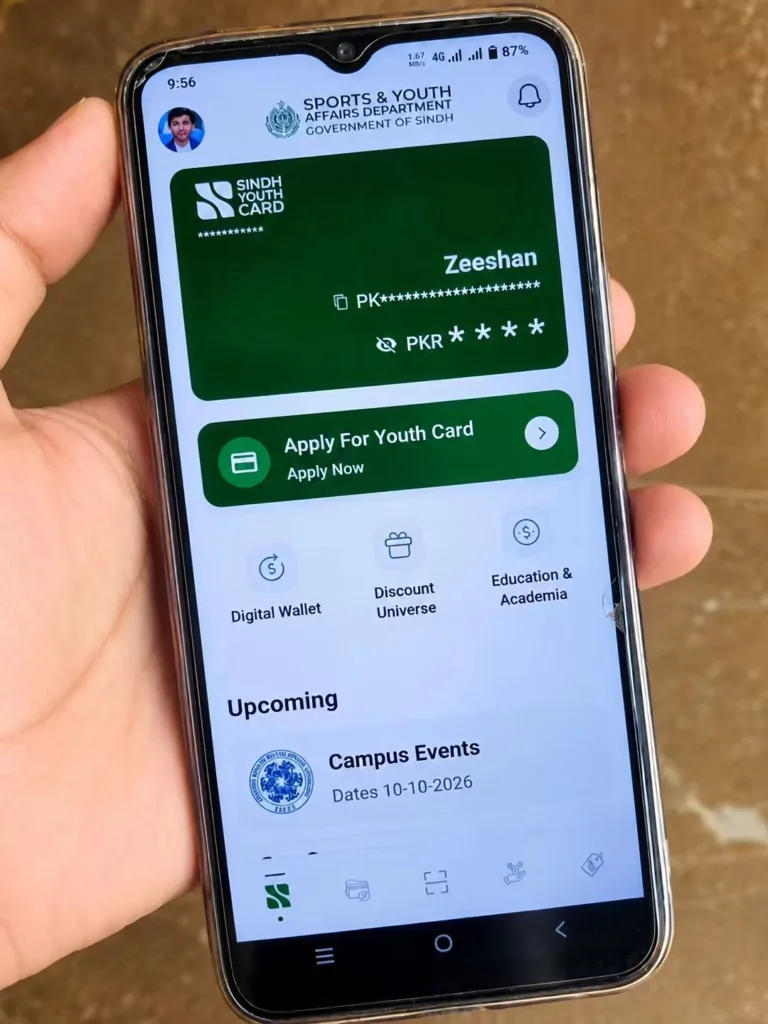
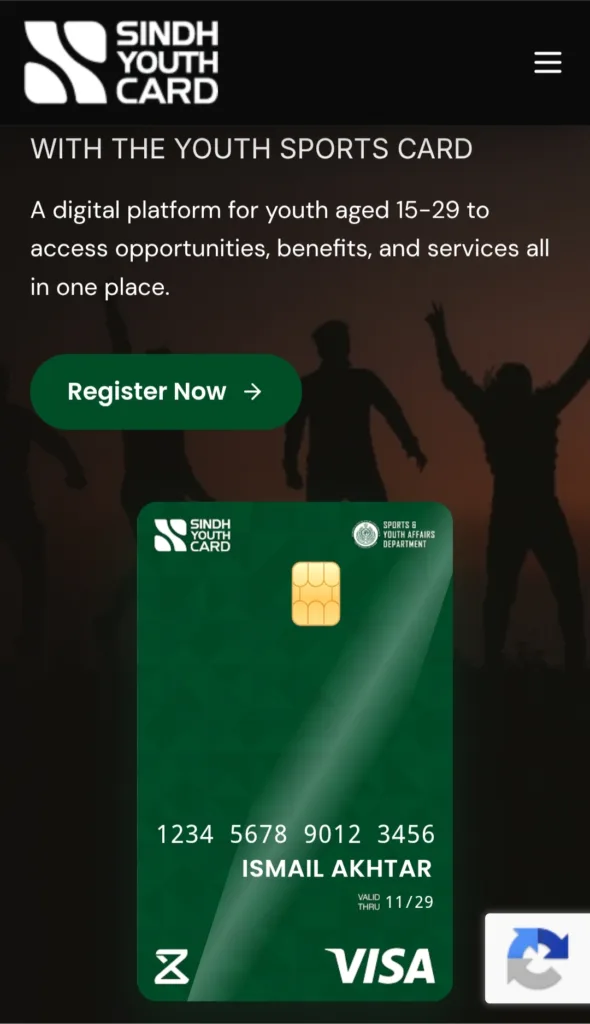
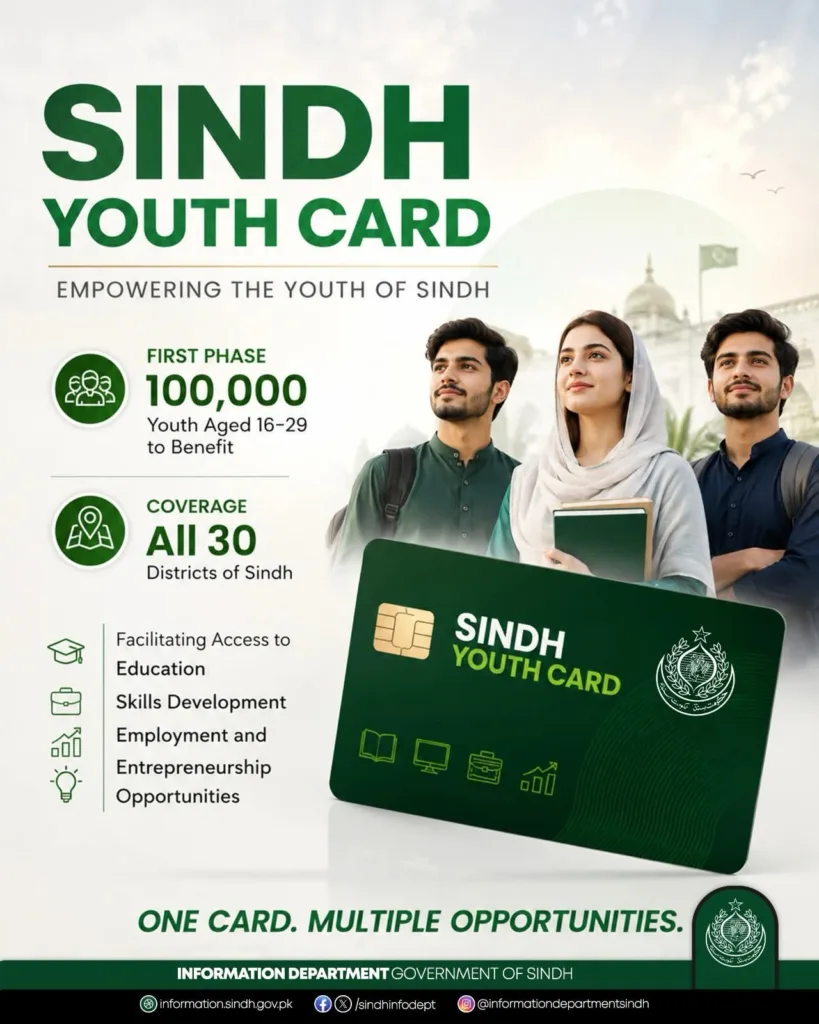
The Sindh Youth Card 2026 is an initiative of the Government of Sindh designed to provide young people with access to educational assistance, scholarships, employment opportunities, internships, financial support, transport concessions and other facilities.
Many applicants are now using the official Sindh Youth Card mobile application and online portal to register their accounts and complete their profiles. However, some users may face problems such as forgetting their login password, not receiving an OTP, facing CNIC verification errors or getting a domicile-related error during registration.
If you are also facing these problems, there is no need to create another account immediately. You should first try the official account recovery process and check your personal information.
This article explains how to reset your Sindh Youth Card password, recover your account and resolve domicile-related problems step by step.
Sindh Youth Card Official Website and Login Portal
Applicants should always use the official Government of Sindh website to access their accounts.
Official Website: https://sindhyouthcard.gos.pk/
Youth Login Portal: https://sindhyouthcard.gos.pk/youth/login
Forgot Password: https://sindhyouthcard.gos.pk/forgot-password
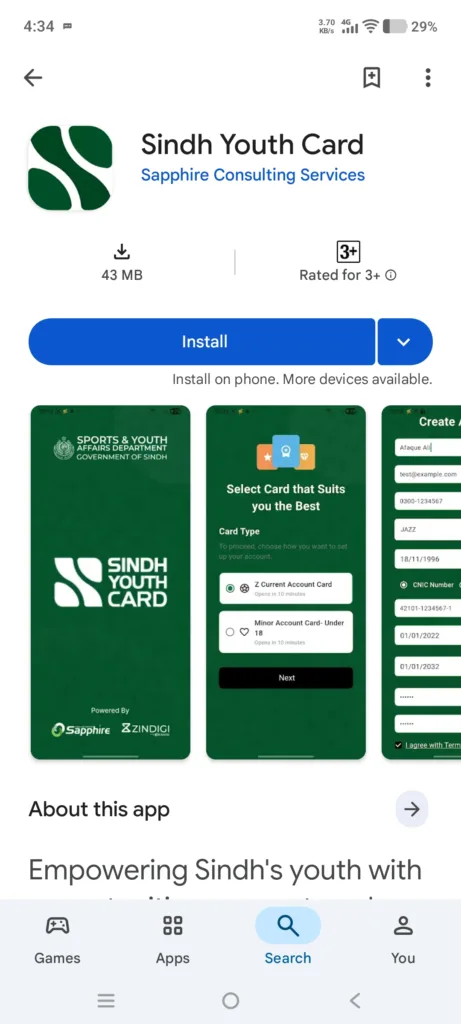
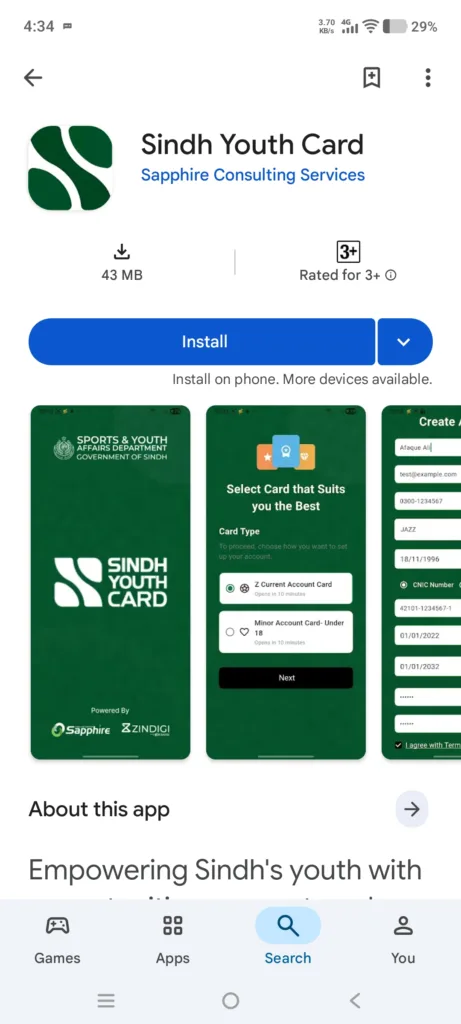
Mobile Application: Sindh Youth Card on Google Play Store.
The official portal provides a Forgot Password option for applicants who cannot remember their account passwords.
How to Reset Forgotten Password in Sindh Youth Card App 2026
If you have forgotten your Sindh Youth Card application password, follow these steps to recover your account.
Step 1: Open the Official Website
Visit the official Sindh Youth Card website at sindhyouthcard.gos.pk using your mobile browser.
Step 2: Open the Youth Login Page
Click on the Sign In option and select Youth Login. You can also directly visit the official login page.
Step 3: Click Forgot Password
On the login screen, you will find the Forgot Password option below the password field.
Click this option to open the password recovery page.
Step 4: Enter Your Registered Mobile Number
The password recovery page asks applicants to enter their registered mobile number.
Make sure you enter the same mobile number that you used when creating your Sindh Youth Card account.
Step 5: Request OTP Verification
Click on the Send OTP button. Follow the verification instructions provided by the portal.
Step 6: Create a New Password
After successful verification, follow the instructions displayed on the screen to complete the password recovery process.
If the system provides a new-password option, create a strong password and save it securely.
Step 7: Login Again
Return to the Youth Login page and enter your registered mobile number and new password.
Your account should become accessible after successful verification.
Sindh Youth Card OTP Not Received – How to Fix
Some applicants may not receive an OTP when trying to recover their passwords or verify their accounts.
You can try the following solutions:
- Check whether your registered SIM card is active.
- Make sure your mobile phone has proper network coverage.
- Confirm that you entered the correct mobile number.
- Restart your mobile phone and try again.
- Wait before requesting another OTP.
- Check whether SMS messages are being blocked by your mobile network.
- Try again later if the portal is experiencing heavy traffic.
If the problem continues, contact the official department for assistance.
Never share your OTP, password or personal banking information with unknown individuals.
Sindh Youth Card Domicile Issue 2026 – How to Resolve It
Another important issue applicants may face is a domicile-related problem during registration or profile completion.
Sindh domicile is an important eligibility requirement for the programme. Applicants should provide accurate residential and identification information.
If the application displays an error related to domicile, first check your personal details and supporting documents.
1. Check Your Domicile Information
Make sure your domicile certificate belongs to Sindh and contains accurate information.
Check the following details:
- Applicant's full name
- Father's name
- District name
- CNIC number
- Domicile certificate information
Your information should match your official documents.
2. Check Your Permanent Address
Sometimes applicants enter their current residential address instead of their permanent address.
Carefully check the permanent address section in your application and make sure the district information is correct.
3. Check Your CNIC Information
Your CNIC information should match your official NADRA records.
If your name, father's name or other identification details are incorrect, you may need to correct the relevant information through the appropriate official authority.
4. Check Your District Selection
Applicants should select their correct Sindh district from the available list.
For example, if your domicile belongs to Hyderabad, select Hyderabad rather than Karachi or another district.
5. Contact the Official Support Team
If your domicile is valid but the application still shows an error, contact the Sindh Youth Card support team.
Explain the problem and provide the error message so the support team can guide you about the correction process.
Do not submit false domicile information or create multiple accounts to bypass verification.
What If Your Domicile Is From Another District of Sindh?
Applicants should provide the district mentioned in their valid domicile documents.
If you currently live in Karachi but your permanent domicile belongs to another district of Sindh, do not change your domicile district simply because you currently reside in Karachi.
Use your genuine official information and ask the support team if the application does not accept your details.
Sindh Youth Card Helpdesk and Contact Number
If you cannot reset your password, receive an OTP or resolve your domicile issue through the application, you can contact the department using the following official contact information.
Department: Sports and Youth Affairs Department, Government of Sindh
Helpline: 021-99203009
Official Website: https://sindhyouthcard.gos.pk/
App Developer Support: amjad.ali@sapphire.co
When contacting support, explain your issue clearly. You may mention whether you are facing a forgotten password problem, OTP issue, CNIC verification error or domicile rejection.
Never send your password or OTP to anyone.
Important Instructions for Sindh Youth Card Applicants
Applicants should remember the following instructions:
- Always use the official Sindh Youth Card website.
- Download the application from Google Play Store.
- Do not share your CNIC information with unofficial agents.
- Do not pay anyone for password recovery.
- Use your registered mobile number for account recovery.
- Provide accurate domicile and district information.
- Avoid creating multiple accounts for the same applicant.
Frequently Asked Questions (FAQs)
How can I reset my Sindh Youth Card password?
Visit the official Youth Login page, click Forgot Password, enter your registered mobile number and select Send OTP. Follow the verification instructions to recover your account.
What should I do if I do not receive an OTP?
Check your registered SIM, mobile network and phone settings. If the OTP does not arrive, try again later or contact the official support team.
How can I correct my domicile information?
Check your domicile certificate, permanent address and selected district. If all details are correct but the application still shows an error, contact the department for correction assistance.
Can I register again if I forget my password?
You should first use the Forgot Password option to recover your existing account. Avoid creating duplicate accounts.
What is the Sindh Youth Card helpline number?
The official portal lists the Sports and Youth Affairs Department contact number as 021-99203009.
Is Sindh domicile required for the Youth Card?
Yes. Applicants must meet the programme's Sindh residency requirements and provide valid identification and accurate information.
Final Words
The Sindh Youth Card provides an important opportunity for young people across Sindh to access educational, employment, training and other facilities. However, password recovery, OTP verification and domicile-related errors can create difficulties during registration.
Applicants should use the official Forgot Password facility, check their documents carefully and contact the department if the issue remains unresolved.
For the latest Sindh Youth Card registration information, login updates and application guidance, keep visiting Technist.Online.