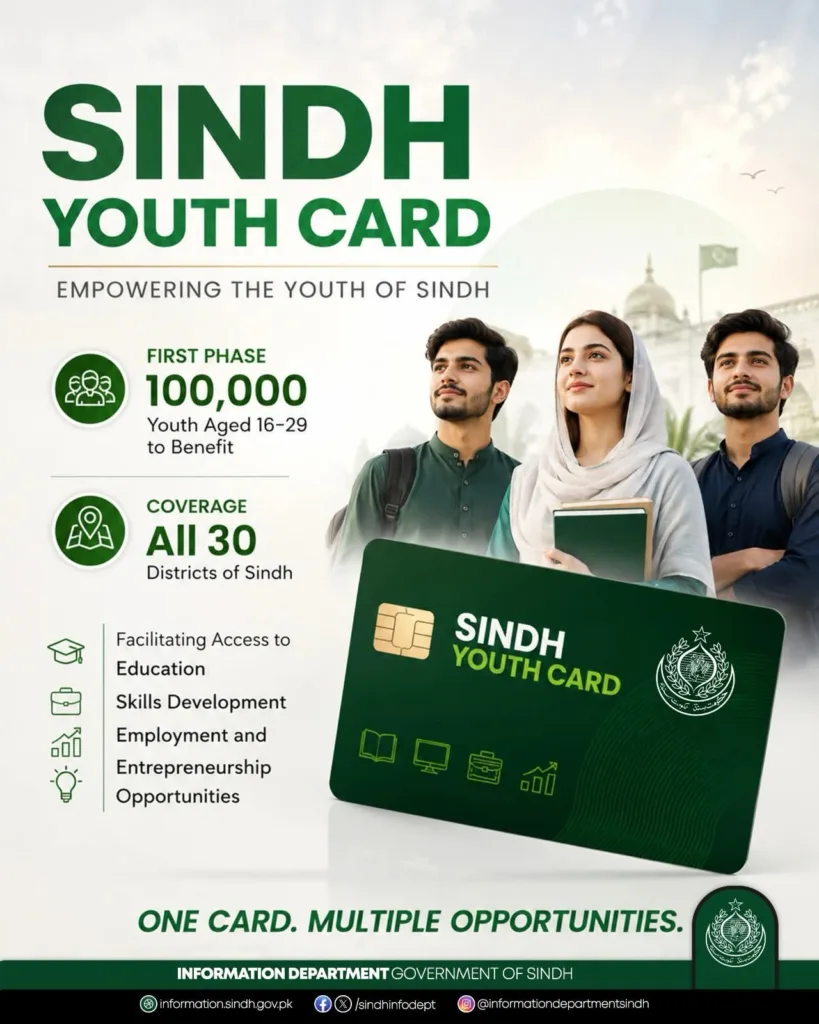
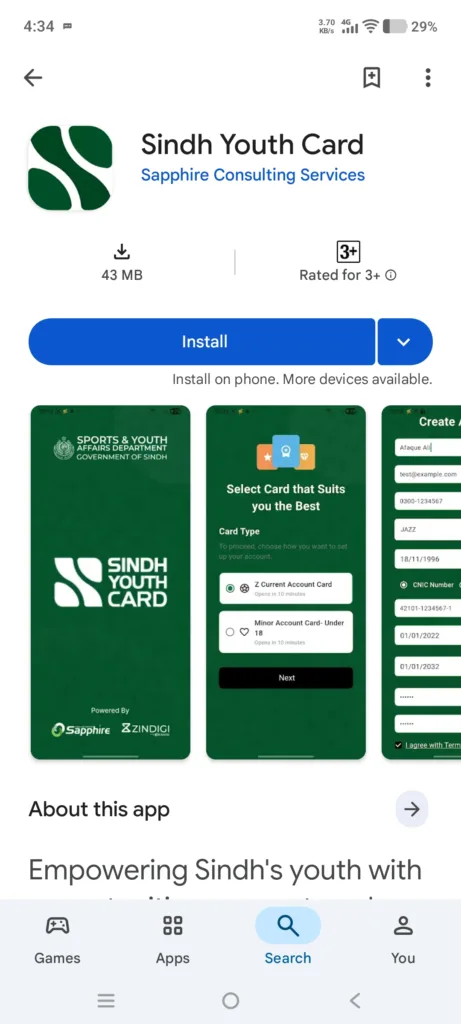
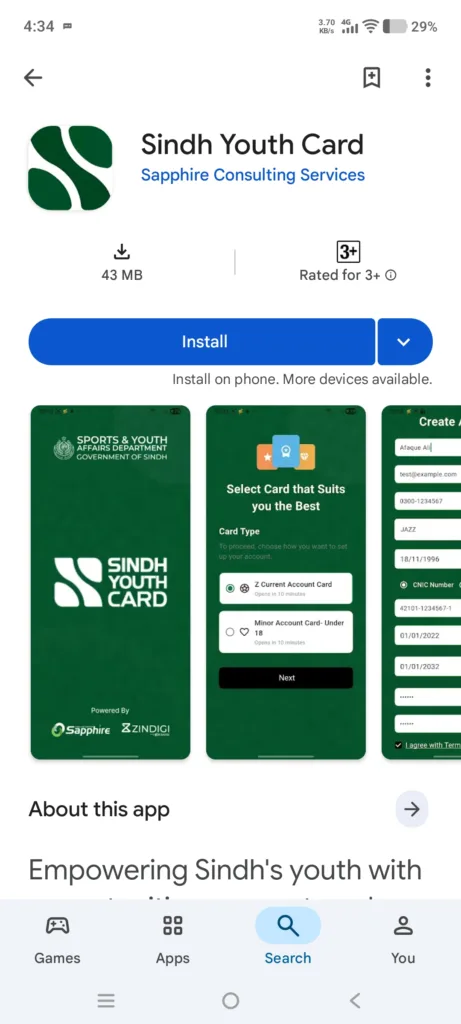
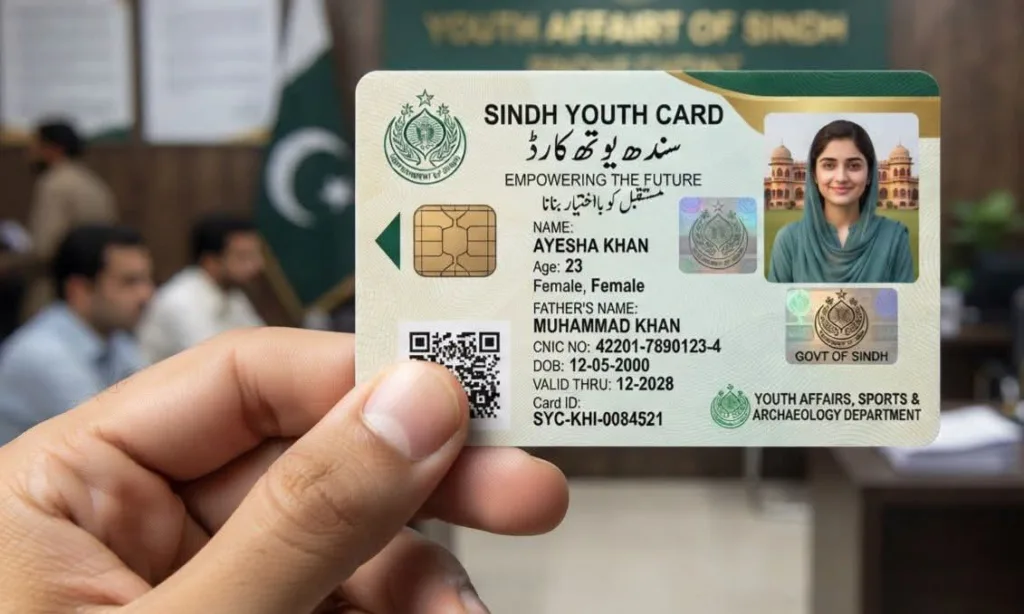
The Sindh Youth Card App 2027 is a digital initiative of the Government of Sindh designed to provide young people with access to educational assistance, scholarships, employment opportunities, digital banking and other facilities. The application is available on Google Play Store under the developer name Sapphire Consulting Services.
However, some applicants may experience problems while downloading the application, creating an account, entering CNIC details, completing NADRA biometric verification or activating their digital youth card.
If you are facing problems with the Sindh Youth Card App, this guide explains common issues and practical solutions to help you complete the registration process successfully.
Sindh Youth Card App 2027 Official Download Link
Before troubleshooting, make sure you are using the genuine application.
Official Android App:
https://play.google.com/store/apps/details?id=pk.gos.sindhyouthcard
Official Government Portal:
Only download the application from the official Google Play Store listing.
Common Sindh Youth Card App Problems and Solutions
1. Sindh Youth Card App Not Opening
Some users may experience problems when opening the application. It may close automatically, freeze or remain stuck on the loading screen.
Possible solutions:
- Restart your mobile phone.
- Check your internet connection.
- Update the application through Google Play Store.
- Open your phone settings and check available storage.
- Clear the application cache.
- Try opening the application again.
If the problem continues, contact the application support team.
2. Sindh Youth Card Registration Not Working
Applicants may face difficulties when creating a new account or submitting their registration information.
How to resolve this issue:
- Make sure you have installed the latest application version.
- Enter your correct personal information.
- Check your CNIC or B-Form number carefully.
- Use a valid mobile phone number.
- Ensure that your internet connection is stable.
- Complete all required fields before proceeding.
Avoid submitting multiple applications using incorrect information.
3. CNIC Verification Failed
Adult applicants aged 18 to 29 years must provide their valid 13-digit CNIC number and complete the prescribed contactless NADRA Biometric Verification System (BVS).
If CNIC verification fails, check the following:
- Enter all 13 CNIC digits correctly.
- Make sure your CNIC information is valid.
- Check that your personal details match your identification record.
- Follow the biometric verification instructions carefully.
- Try again with a stable internet connection.
If verification continues to fail, contact the official application support team for assistance.
4. B-Form Registration Problem for Applicants Under 18
The official registration page provides a Minor Youth Account option for applicants below 18 years.
Applicants may need a valid 13-digit B-Form number and parent or guardian CNIC details.
If the minor registration option is unavailable or does not work, check the latest application version and contact support to confirm whether the minor registration facility is currently active.
5. OTP or Mobile Verification Problem
Some applicants may not receive a verification code during account registration.
Try these steps:
- Check whether your mobile number is correct.
- Make sure your SIM is active.
- Check your mobile network signal.
- Wait before requesting another verification code.
- Restart your phone and try again.
Never share your OTP with another person or an unofficial agent.
6. Sindh Youth Card App Not Installing
If the application does not install on your Android phone, check your internet connection and available storage.
You should also:
- Update Google Play Store.
- Restart your smartphone.
- Check your Android software compatibility.
- Remove unnecessary files to create storage space.
- Try downloading the application again.
Always install the application through the official Google Play Store link.
7. Digital Youth Card Not Activating
After registration and successful verification, applicants must follow the application instructions to activate their digital card.
If activation does not work, check your registration status, complete any pending verification steps and make sure all required information has been submitted.
If the issue remains unresolved, contact application support.
How to Contact Sindh Youth Card App Support?
If you have tried the above solutions and still cannot register, contact the available official support channels.
Application Developer Support:
- Phone: +92 348 0352191
- Email: amjad.ali@sapphire.co
Government of Sindh – Sports and Youth Affairs Department:
- Phone: 021-99203009
- Official Website: https://sindhyouthcard.gos.pk/
When contacting support, explain your problem clearly. Mention your mobile phone model, application version and the stage where the error occurs.
Do not send your password, OTP or banking PIN.
Frequently Asked Questions
Why Is Sindh Youth Card App Not Working?
The problem may be caused by an outdated application, internet connectivity, incorrect information or a temporary technical issue.
What Should I Do If CNIC Verification Fails?
Check your 13-digit CNIC number and follow the NADRA BVS instructions. Contact application support if the problem continues.
What If I Do Not Receive an OTP?
Check your mobile number, SIM activity and network signal before requesting another verification code.
How Can I Contact Sindh Youth Card Support?
You can contact the application developer at +92 348 0352191 or amjad.ali@sapphire.co.
Is Sindh Youth Card App Available on Android?
Yes. The official Android application is available on Google Play Store.
Conclusion
The Sindh Youth Card App 2027 provides an important digital registration facility for young people across Sindh. However, technical problems involving login, registration, CNIC verification, OTP and digital card activation may affect some applicants.
By following the solutions explained in this article, users can troubleshoot common problems and continue the registration process. If an issue persists, contact the application developer or the Sports and Youth Affairs Department through the official contact details.
Always use the genuine Sindh Youth Card application and protect your personal information while registering.
- : How to Resolve Sindh Youth Card App Issues 2027 – Login, Registration and CNIC Problems
- Sindh Youth Card App Issues 2027
- Facing Sindh Youth Card App problems in 2027? Learn how to fix login errors, registration issues, CNIC verification, OTP problems and digital card activation.
- URL Slug:
resolve-sindh-youth-card-app-issues-2027 - Category: Government Schemes / Sindh News
Useful official links
Sources: Official registration instructions, Google Play application support information and Government of Sindh contact details. User Management +2