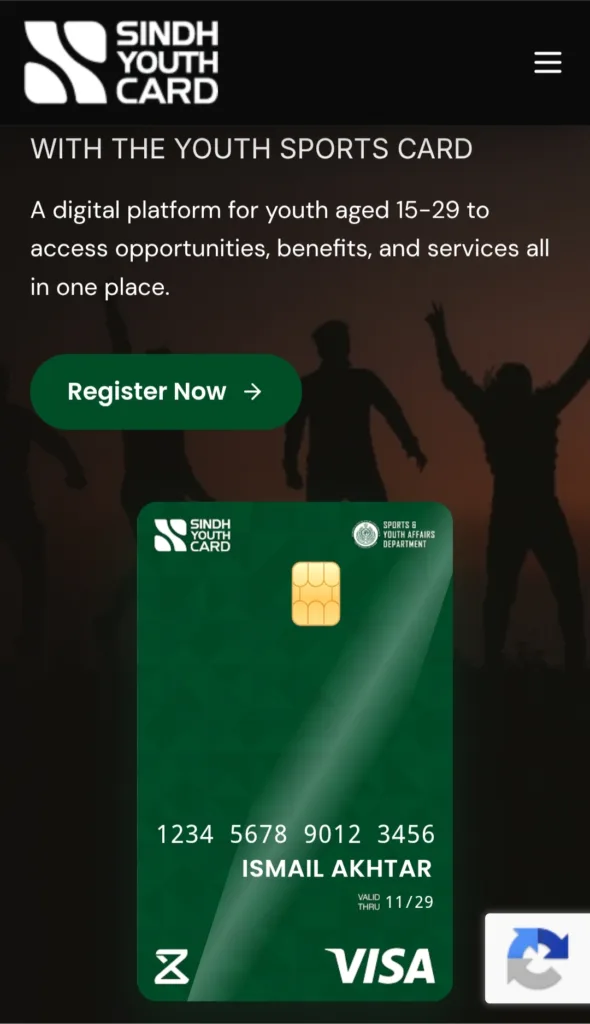
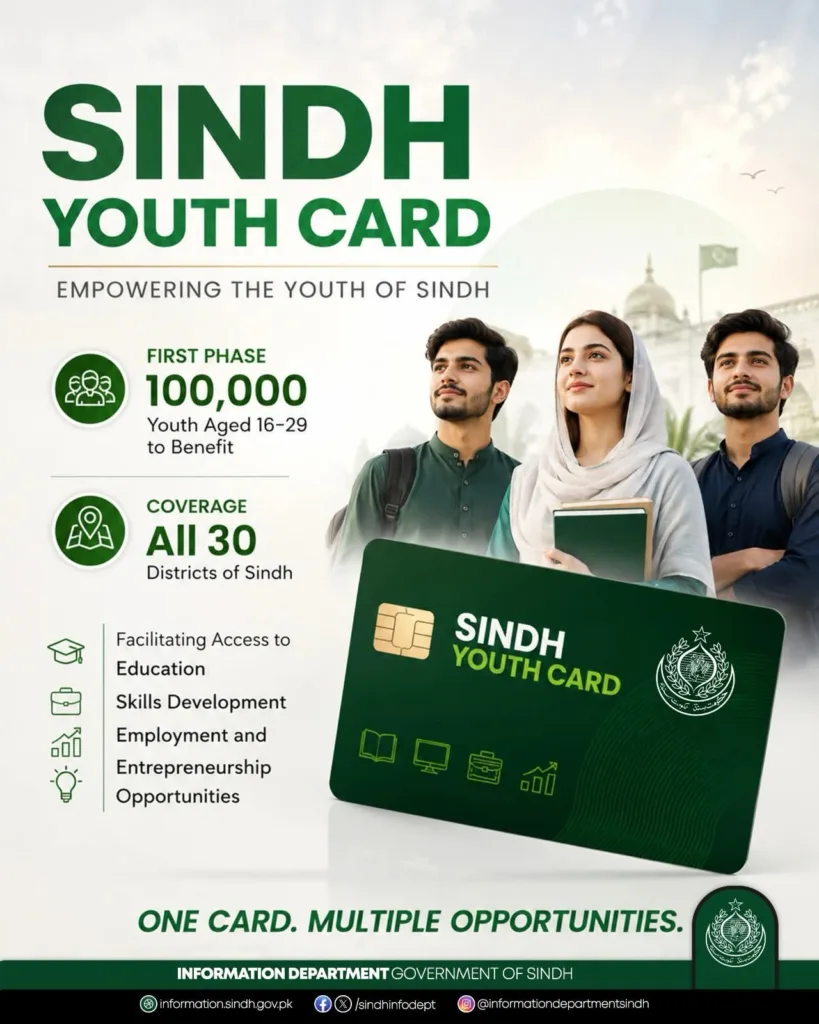
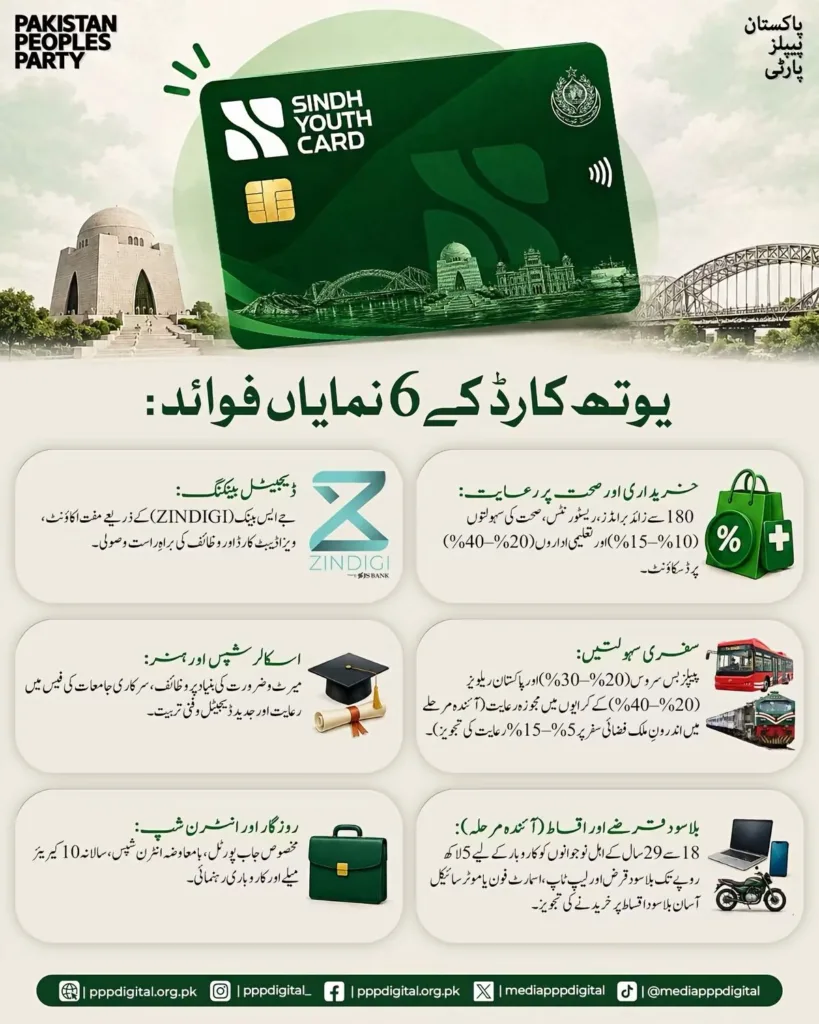
The Sindh Youth Card portal is designed to help young people in Sindh access information about education, employment, internships, financial assistance and other youth-focused opportunities. However, users may sometimes face difficulties while logging in, receiving an OTP, resetting their password or accessing an existing account.
If you cannot sign in to your Sindh Youth Card account, do not create multiple accounts immediately. First, check your registered mobile number, internet connection and login details. This guide explains common login problems and practical steps to resolve them.
Official Sindh Youth Card Portal Login
Applicants should use the official Government of Sindh website to access Youth Card services. The portal provides information about scholarships, jobs and internships, discounts, transport benefits, health and sports facilities, and digital wallet services.
Official Website: https://sindhyouthcard.gos.pk/
The portal's registration page currently directs new applicants to complete registration through the official Sindh Youth Card mobile application. Existing users can use the account sign-in option available on the official platform.
How to Log In to Your Sindh Youth Card Account
Follow these general steps to access your existing account:
- Open the official Sindh Youth Card website.
- Find the Sign In option.
- Select the Youth Login option if you are an applicant.
- Enter the login details associated with your registered account.
- Complete the verification process if an OTP is requested.
- Submit your details and wait for the dashboard to open.
The Youth Login option is intended for young applicants, while Partner Login is for organisations and businesses participating in the programme. Make sure you select the correct option.
Sindh Youth Card OTP Not Received – How to Fix It
One common problem reported by users is not receiving the verification OTP. This may happen because of network delays, SMS restrictions or an incorrect registered mobile number.
Try these solutions:
- Check whether your mobile phone has a proper network signal.
- Confirm that your registered mobile number is correct.
- Wait approximately 90 seconds before requesting another OTP.
- Check your email inbox and spam folder if email verification is offered.
- Restart your mobile phone and try again.
- Avoid repeatedly requesting verification codes within a short period.
If the OTP still does not arrive, wait and try again later. Never share your OTP with another person, even if they claim to be a government representative.
How to Reset a Forgotten Sindh Youth Card Password
If you have forgotten your password, use the password recovery option rather than creating another account.
Follow these steps if the recovery option is available on your login screen:
- Open the Youth Sign-In page.
- Click Forgot Password or Reset Password.
- Enter your registered email address or CNIC, depending on the available option.
- Complete the verification process using the recovery OTP.
- Create a new, strong password.
- Return to the login page and sign in again.
Use a password that contains uppercase and lowercase letters, numbers and special characters. Never share your password or verification code with anyone.
CNIC Already Registered or Invalid CNIC Error
Some applicants may see a message saying that their CNIC is already registered. This can happen when an account has already been created or registration was previously started.
Do not immediately submit another application. Try the Forgot Password option first.
If the system displays an invalid CNIC error, check that you have entered all 13 digits correctly. Remove unnecessary spaces or hyphens if the form requires numbers without separators. Also check that your date of birth matches your official NADRA record.
Important Registration Information for New Applicants
According to the official registration page, applicants aged 18–29 need their 13-digit CNIC, mobile number and contactless NADRA biometric verification. Applicants under 18 need their B-Form number and parent or guardian CNIC details.
New youth registrations are currently directed through the official mobile application.
What to Do If Your Login Problem Continues
If you have tried the suggested solutions and still cannot access your account, use the official Government of Sindh portal and contact the Sports & Youth Affairs Department for assistance.
Department Contact: 021-99203009
Do not pay anyone who promises to recover your account or guarantee approval. Never provide your CNIC details, password, OTP or banking information to unknown people or unofficial websites.
Frequently Asked Questions
Why am I not receiving my Sindh Youth Card OTP?
Network delays, incorrect mobile details or SMS restrictions may prevent OTP delivery. Check your number and try again after waiting.
How can I recover my forgotten password?
Use the Forgot Password option on the Youth Sign-In screen, if available, and follow the verification instructions.
What should I do if my CNIC is already registered?
Avoid creating another account. Try account recovery or contact the department if the issue remains unresolved.
Is the Sindh Youth Card portal official?
The official Government of Sindh portal is https://sindhyouthcard.gos.pk/.
Can new applicants register through the website?
The official registration page currently directs new youth applicants to register through the Sindh Youth Card mobile application.
Final Words
Sindh Youth Card login problems can often be related to OTP delivery, incorrect CNIC details or forgotten passwords. Follow the correct recovery steps, use official channels and protect your personal information. For further updates, always check the official portal.