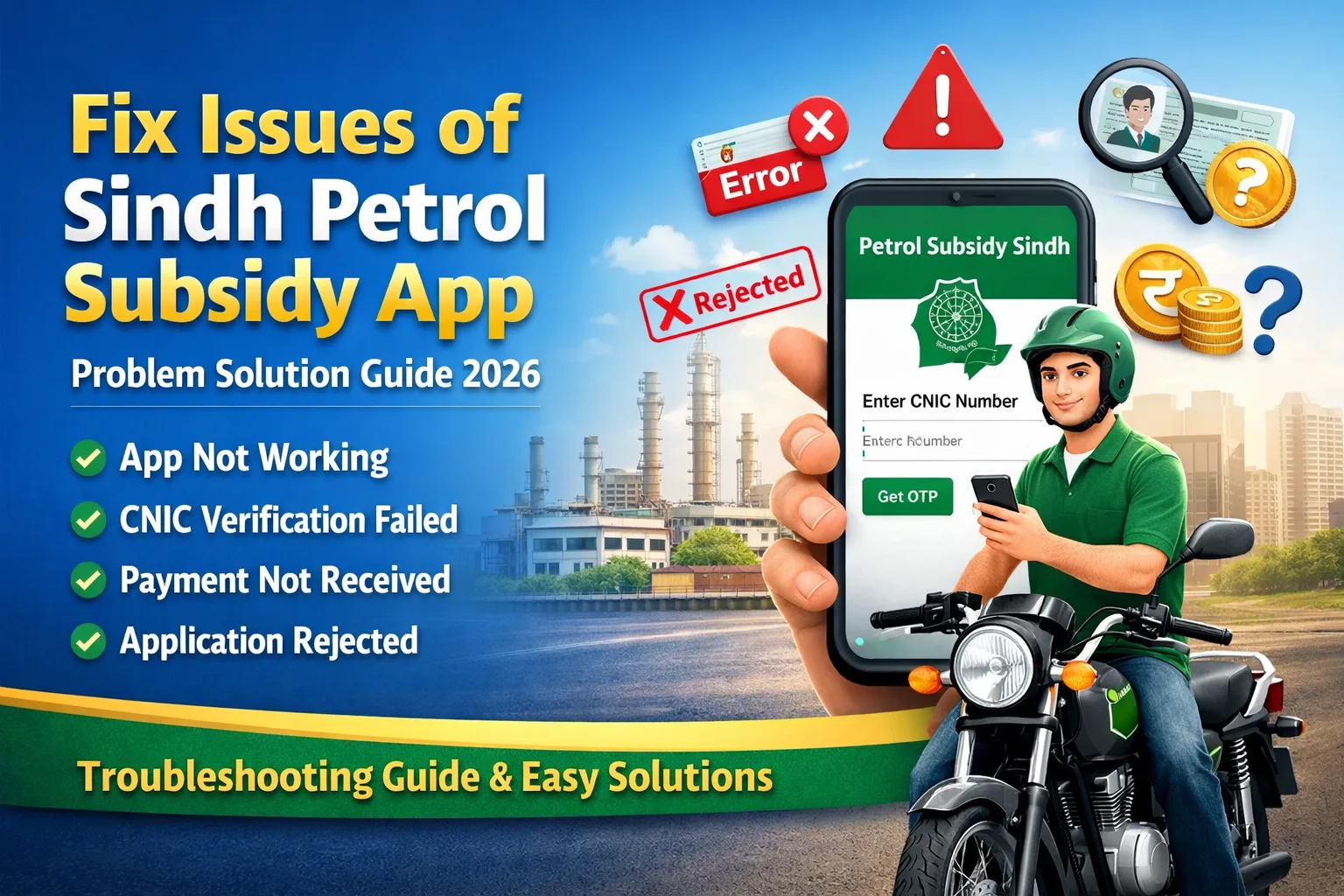
Fix Issues of Sindh Petrol Subsidy App – Complete Problem Solution Guide 2026
How to Fix Issues of Sindh Petrol Subsidy App – Complete Problem Solution Guide 2026 The Sindh Petrol Subsidy Program 2026 is one of the most impactful relief initiatives introduced by the Government of Sindh to support low-income motorcycle users struggling with rising fuel prices. While thousands of citizens have successfully benefited from this scheme, many applicants continue to face technical and procedural issues during registration, verification, and payment processing.
If you are one of those users experiencing problems with the petrol subsidy app or application process, this complete troubleshooting guide will help you resolve every major issue step by step.
This article covers all common errors, their real causes, and easy solutions so you can fix your problem quickly and receive your subsidy without delays.
What is the Sindh Petrol Subsidy Program 2026?
The Sindh Petrol Subsidy Scheme is a government initiative designed to provide financial assistance on fuel expenses to:
- Low-income individuals
- Motorcycle owners
- Daily wage workers
- Students and working-class citizens
The subsidy is usually provided through a mobile app system, where users register using their CNIC and vehicle details.
However, due to high demand, system limitations, and incorrect user inputs, many applicants face issues that prevent successful registration or payment.
Common Problems in Sindh Petrol Subsidy App
Below are the most reported issues faced by users:
- App not working or crashing
- CNIC verification failure
- OTP code not received
- Application rejected
- Motorcycle not found in system
- Payment not received
- Server errors or slow processing
- Wrong information submission
Let’s go through each issue in detail with proper solutions.
1. Petrol Subsidy App Not Working or Crashing
Problem Overview
Many users complain that the app:
- Does not open
- Crashes automatically
- Freezes during registration
Main Causes
- Outdated app version
- Weak internet connection
- Mobile storage issues
- High server load
Complete Solutions
✔ Update the App
Always install the latest version from the Play Store. Older versions often contain bugs.
✔ Clear Cache
Go to:
- Settings → Apps → Petrol Subsidy App → Storage → Clear Cache
This removes temporary files causing crashes.
✔ Check Internet Connection
Use a stable:
- WiFi connection
- Or strong mobile data
Avoid slow networks.
✔ Restart Your Phone
A simple restart can fix temporary glitches.
✔ Try During Off-Peak Hours
Use the app early morning or late night when traffic is low.
2. CNIC Verification Failed Issue
Problem Overview
Users see errors like:
- “CNIC verification failed”
- “Invalid CNIC”
Causes
- Incorrect CNIC entry
- Data mismatch with NADRA
- SIM not registered on CNIC
Step-by-Step Solution
✔ Enter CNIC Correctly
- Use 13 digits
- Do not add dashes
Example:
Correct → 4210112345671
Wrong → 42101-1234567-1
✔ Verify SIM Ownership
Ensure your mobile number is registered under your CNIC.
✔ Check NADRA Record
If your CNIC details are outdated:
- Visit NADRA office
- Update your information
✔ Avoid Using Someone Else’s CNIC
The system automatically rejects mismatched records.
3. Application Rejected Problem
Why Applications Get Rejected
Your application may be rejected due to:
- Income exceeds eligibility limit
- Motorcycle not registered in your name
- Already receiving another government subsidy
- Incorrect or incomplete data
How to Fix It
✔ Check Eligibility Criteria
Before applying, confirm:
- You meet income requirements
- You are a valid motorcycle owner
✔ Update Vehicle Ownership
If your bike is not in your name:
- Transfer ownership officially
- Wait for database update
✔ Avoid Multiple Subsidies
You cannot receive multiple government subsidies at the same time.
✔ Reapply Carefully
Double-check all information before submitting again.
4. Motorcycle Not Found Issue
Problem Description
Users often see:
- “Vehicle not found”
- “Motorcycle data missing”
Causes
- Bike not registered in your name
- Typing errors in registration number
- Delay in database update
Solution Guide
✔ Verify Registration Number
Enter your bike number exactly as registered.
✔ Confirm Ownership
Make sure:
- Motorcycle is legally registered under your CNIC
✔ Wait for System Sync
If you recently transferred ownership:
- Wait a few days for data update
✔ Contact Excise Department
If issue continues:
- Visit excise office
- Request record correction
5. Payment Not Received Problem
Issue Explanation
Many approved users report:
- Subsidy not credited
- Payment delays
Possible Reasons
- Incorrect mobile number
- Processing delay
- Incomplete verification
Complete Solutions
✔ Verify Mobile Number
Ensure your registered number is:
- Active
- Linked with your CNIC
✔ Check Payment Status
Use the app to track:
- Approval status
- Payment progress
✔ Wait for Processing Time
Payments may take:
- Several days to weeks
✔ Contact Helpline
If delay is too long:
- File a complaint through official channels
6. OTP Code Not Received Issue
Problem Description
Users do not receive the OTP during registration.
Causes
- Network issues
- SIM not active
- Too many requests
Fixing the Issue
✔ Check SIM Status
Ensure:
- SIM is active
- Registered under your CNIC
✔ Wait and Retry
Do not request OTP repeatedly. Wait 2–3 minutes.
✔ Restart Phone
This refreshes network connectivity.
✔ Move to Better Signal Area
Weak signals can block OTP delivery.
7. Server Error or Slow Processing
Problem Overview
Common messages include:
- “Server error”
- “Request failed”
- Slow loading
Causes
- High traffic
- System overload
- Maintenance updates
Solutions
✔ Use Off-Peak Timing
Best times:
- Early morning
- Late night
✔ Avoid Last Date Rush
Apply early to prevent server congestion.
✔ Use Updated App or Browser
Always use the latest version.
8. Wrong Information Submitted
Problem
Incorrect details lead to:
- Rejection
- Delays
- Verification failure
Common Mistakes
- Wrong CNIC
- Incorrect phone number
- Typing errors
Solutions
✔ Double-Check Everything
Before submitting:
- Review all fields carefully
✔ Use Correct CNIC & Mobile Number
Ensure both belong to you.
✔ Edit Profile (If Allowed)
Update incorrect information immediately.
9. Account Login Issues
Problem
Users cannot log into the app.
Causes
- Wrong password
- App glitch
Fix
- Reset password
- Clear cache
- Reinstall app
10. App Not Available or Installation Issues
Problem
App not downloading or installing.
Solution
- Check storage space
- Use compatible Android version
- Download from official source only
Helpline and Support for Petrol Subsidy Sindh
If your issue is still unresolved, contact official support:
✔ Government Helpline
Use the official helpline number provided in the app or website.
✔ Visit Excise Office
For vehicle-related problems.
✔ Online Complaint Portal
Submit complaints through official platforms.
Important Tips to Avoid Problems
Follow these tips to ensure smooth application:
- Apply early
- Use correct CNIC and mobile number
- Keep documents ready
- Avoid fake agents
- Always use official app
- Check updates regularly
Benefits of Sindh Petrol Subsidy Program
Despite technical issues, the program offers:
- Financial relief for fuel expenses
- Support for low-income families
- Easy digital registration system
- Transparent subsidy distribution
Why Technical Issues Occur
Understanding the root cause helps avoid frustration:
- High number of users
- Limited server capacity
- Data verification with multiple departments
- User input errors

How to Fix Issues of Sindh Petrol Subsidy App – Complete Problem Solution Guide 2026
Final Words – Complete Problem Solution Guide
The Sindh Petrol Subsidy Program 2026 is a powerful initiative aimed at supporting citizens during rising fuel costs. However, like any digital system, it comes with technical challenges.
The good news is that most problems are easily fixable if you follow the correct steps.
Key Takeaways:
- Always enter correct information
- Keep your CNIC and SIM verified
- Apply during low-traffic hours
- Stay patient during processing delays
By following this complete guide, you can solve almost all issues related to the petrol subsidy app and successfully receive your payment.
Stay Updated
For the latest updates, guides, and online application information, keep visiting your trusted platform for government schemes and updates.