Sindh Job Portal (sjp.gos.pk): A Comprehensive Guide to Registration and Job Applications in 2025
The Sindh Job Portal (sjp.gos.pk) is the official online platform for job seekers in the province of Sindh, Pakistan. It serves as a central hub for all government job postings, making it easier for qualified individuals to find and apply for relevant opportunities. This guide provides a step-by-step process on how to register on the Sindh Job Portal and effectively apply for jobs.
Key Benefits of Using the Sindh Job Portal
Centralized Platform: All government job vacancies in Sindh are advertised on this platform, making it a one-stop-shop for job searching.
User-Friendly Interface: The portal is designed with a simple and easy-to-navigate interface.
Up-to-Date Information: Regular updates ensure you have access to the latest job postings.
Online Application: Simplifies the application process, saving time and effort.
Transparency: Provides a transparent and fair process for job applications.
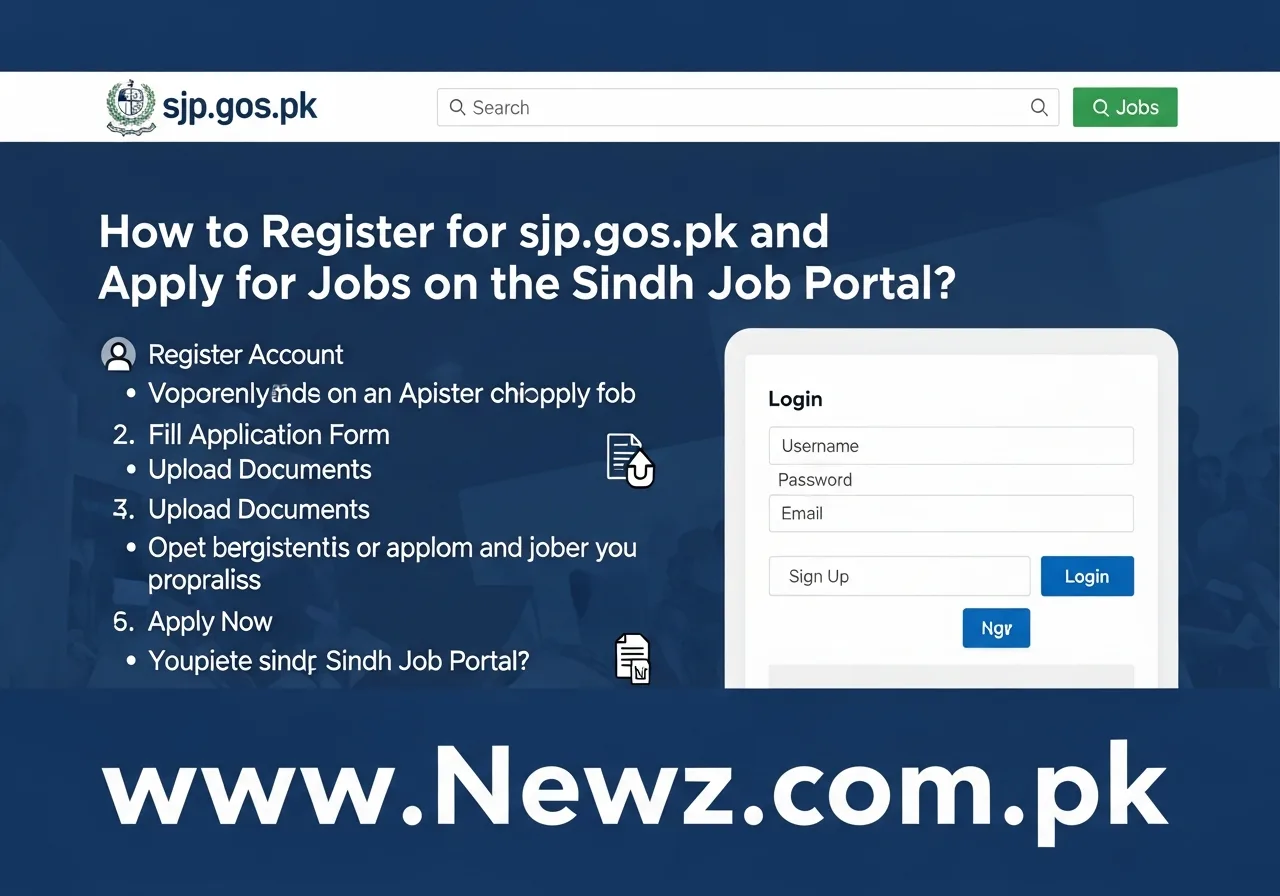
Step-by-Step Guide to Registering on sjp.gos.pk
1. Access the Portal
Open your web browser and enter the official website address: https://sjp.gos.pk
2. Initiate the Registration Process
Locate the “Registration” or “Sign Up” option, usually found on the homepage or in the top navigation menu.
Click on the registration link to begin the process.
3. Provide Personal Information
You will be required to provide accurate personal details, which typically include:
Full Name: As per your CNIC/Passport.
Father's Name:
CNIC Number: (National Identity Card Number).
Date of Birth:
Gender:
Domicile: (Sindh Domicile is often a requirement).
Contact Information:
Mobile Number:
Email Address:
Address: Complete mailing address.
4. Create a Secure Account
You will be asked to create a secure password.
Choose a strong password that is at least 8 characters long, including a mix of upper and lowercase letters, numbers, and symbols.
Confirm your password by re-entering it in the designated field.
5. Upload Required Documents (if prompted)
The portal may require you to upload scans of certain documents, such as:
CNIC (Front and Back)
Passport-sized photograph
Domicile Certificate
Educational Certificates (SSC, HSSC, Bachelor's, Master's, etc.)
Experience Certificates (if applicable)
Ensure that all documents are clear, legible, and in the required format (e.g., JPEG, PDF).
6. Verify Your Information and Submit
Carefully review all the information you have entered to ensure its accuracy.
Click the “Submit” or “Register” button to complete the registration process.
7. Account Activation
You may receive an email or SMS to activate your account.
Click on the activation link provided in the email or enter the verification code in the SMS to activate your account.
Once activated, you will be able to log in to the portal.

How to Apply for Jobs on the Sindh Job Portal
1. Login to Your Account
Use your registered email address/username and password to log in to your account.
2. Browse and Search for Jobs
Browse the available job listings. You can typically search by:
Job Title
Department/Organization
Location/District
Pay Scale/BPS
Keywords
3. Review Job Details
Click on a job posting to view detailed information, including:
Job description
Required qualifications and experience
Number of vacancies
Application deadline
Instructions for applying
Carefully review the eligibility criteria to ensure you meet the requirements.
4. Submit Your Application
If you meet the requirements, click the “Apply Now” or “Apply Online” button.
You might be prompted to fill out an online application form. Fill this form with accurate information.
Upload the required documents as specified in the job posting (e.g., resume/CV, copies of educational certificates, etc.).
Follow all instructions provided by the employer in the job advertisement.
Carefully review your application before submitting it.
Click the “Submit” button to submit your application.
5. Track Your Application
The portal usually allows you to track the status of your application.
Keep checking the portal for updates on your application's status, shortlisting announcements, and interview schedules.
Frequently Asked Questions (FAQs) – Sindh Job Portal (sjp.gos.pk)
| Question | Answer |
| Q1: How do I access the Sindh Job Portal? | By visiting the official website: https://sjp.gos.pk |
| Q2: What should I do if I forget my password? | Click on the “Forgot Password” link on the login page. Follow the instructions to reset your password, usually involving entering your registered email address and following a link sent to your inbox. |
| Q3: What documents are typically required for registration and application? | Common requirements include: CNIC (front and back), Passport-sized photograph, Domicile certificate, Educational certificates, and Experience certificates (if applicable). |
| Q4: How can I search for jobs on the portal? | You can search by Job Title, Department/Organization, Location, and Keywords. |
| Q5: Can I edit my application after submitting it? | It depends on the portal's functionality. It's best to carefully review your application before submitting it. Some portals may allow edits within a limited timeframe. |
| Q6: Is a Sindh Domicile mandatory for all jobs? | While not universally required for all jobs, having a Sindh Domicile is frequently a requirement, particularly for government positions. Always check the specific job posting. |
| Q7: What should I do if I face technical issues during registration or application? | Contact the helpdesk or support team of the Sindh Job Portal, if any contact information is provided on the portal itself. Check for FAQs or troubleshooting guides on the website. |
| Q8: Will I receive a confirmation email after applying? | You will typically receive an email or a notification on the portal confirming your application submission. |
| Q9: How will I know if I'm shortlisted for an interview? | The portal will typically update the status of your application. You may receive an email or SMS notification, and the details regarding the interview schedule will be announced on the portal. |
| Q10: Is there any cost associated with registering on the portal? | No, the registration process on the Sindh Job Portal is generally free. However, there may be application fees for specific jobs, as detailed in the job advertisement. |