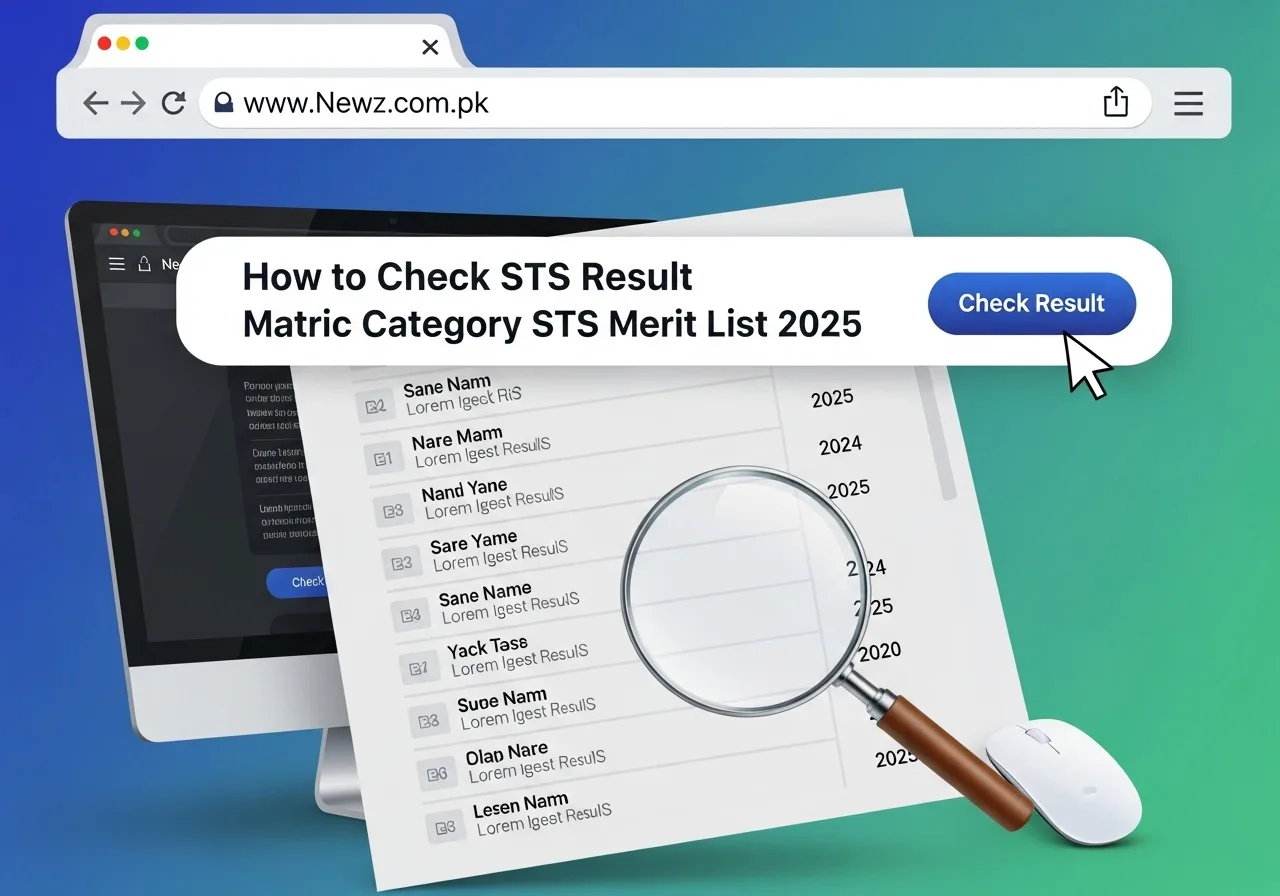
Step-by-Step Guide to Download STS Result PDFs
Step 1: Visit the Official STS Announcements Page
Open your browser (Google Chrome, Firefox, Edge, or Safari).
Type the official STS results link:
👉 https://www.iba-suk.edu.pk/sts/announcementsThis page lists all latest result announcements, test schedules, and notices.
Step 2: Locate the Result Notification
Look for the result notification related to your test category (e.g., Matric Category BPS-05 to BPS-15).
The notification usually contains:
Test category name
Date of test
PDF download link (hosted on AWS).
Step 3: Click on the AWS PDF Link
The result link usually looks like this:
Download Results Here 👇👇
Download Results Here 👇👇
When you click it, the PDF file will open in your browser.
Step 4: Download the PDF File
On the top-right corner of the PDF viewer, click the Download button (arrow pointing down).
The file will be saved in your computer/mobile Downloads folder.
Step 5: Search Your Result in the PDF
Open the PDF using Adobe Reader, Google Chrome, or any PDF viewer.
Press Ctrl + F (on Windows) or Command + F (on Mac).
Type your Roll Number, CNIC, or Name.
The search tool will highlight your record instantly.
Download Results Here 👇👇
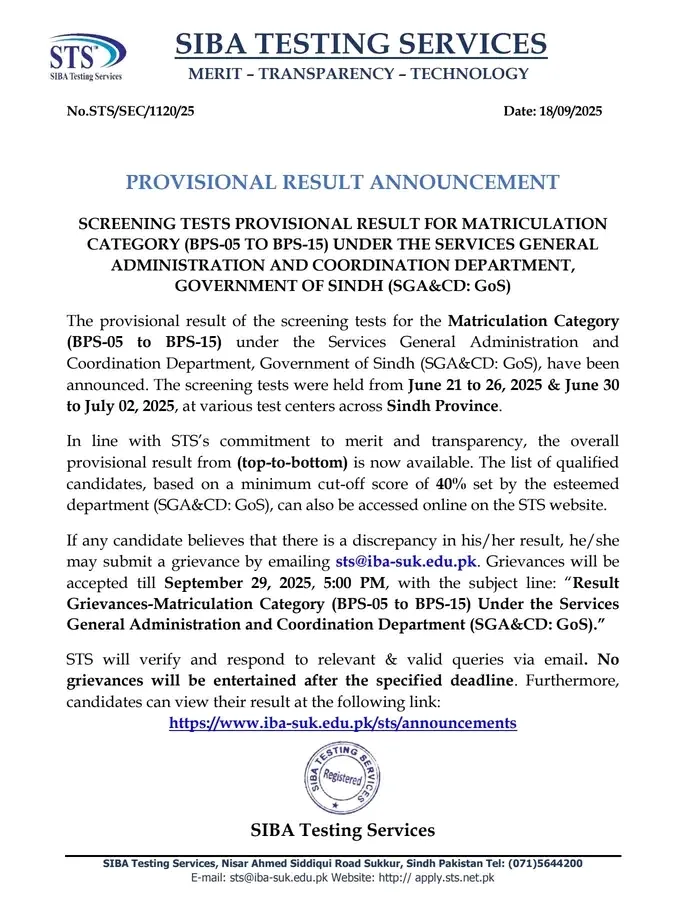
Step 6: Check Your Score and Status
Each result entry contains:
Roll Number
Candidate Name
CNIC
District
Obtained Marks (out of 100)
Compare your marks with the passing criteria (40%) to know whether you are qualified.
Step 7: Save or Print Your Result
After checking, you may save the PDF file for future use.
If required for official submission, click Print (Ctrl+P) and take a hard copy.
Important Tips for Candidates
Always use the official STS website to avoid fake result links.
Make sure you are entering your correct CNIC or roll number when searching.
If you face issues opening the PDF, try using a different browser or device.
Keep checking the STS announcements page for updates on final merit lists, interview calls, and appointment letters.
FAQs About Checking STS Results
Q1: Do I need a login ID to check my result?
No. Results are published in open-access PDF files. Anyone can download and search by CNIC/roll number.
Q2: Can I check my result on mobile?
Yes. You can open the AWS link on your phone browser and use the built-in search option to find your details.
Q3: What if I don’t find my name in the result list?
It means you did not qualify or your data may have been entered incorrectly. You can email sts@iba-suk.edu.pk for confirmation.
Q4: How do I submit a grievance?
If you believe your result is incorrect, you can send an email with your details before the grievance deadline mentioned in the result notification.


reddit steroid
References:
yogicentral.science
References:
How to put on mass
References:
https://hi5.mn/product/%D0%B4%D0%B0%D0%B2%D0%B0%D0%B0%D0%B6%D0%B0%D1%80%D0%B3%D0%B0%D0%BB-3/
References:
Treasury rocketplay casino australia legit gaming etiquette
References:
Live casinos
References:
https://graph.org/Royal-Reels-Casino-Top-Features-Bonuses–Reviews-04-20
References:
Spin palace flash
References:
https://crown-hotel-casino.online-spielhallen.de/
References:
Accasino
References:
https://casino-doxi-stracca.online-spielhallen.de/
References:
Accasino
References:
https://casino-doxi-stracca.online-spielhallen.de/
References:
Kiel
References:
https://casino-pokertische.online-spielhallen.de/
References:
Bremen
References:
https://hamburg-casino-esplanade.online-spielhallen.de/
References:
Hildesheim
References:
https://casino-carburants.online-spielhallen.de/
References:
Hinckley casino mn
References:
https://graph.org/Crown-Perth-Poker-Tournaments-04-27
References:
Casino la baule
References:
https://graph.org/What-Is-The-Best-Online-Casino-Where-You-Can-Win-Real-Money-04-27